
Tag: interactive
Tsundoku
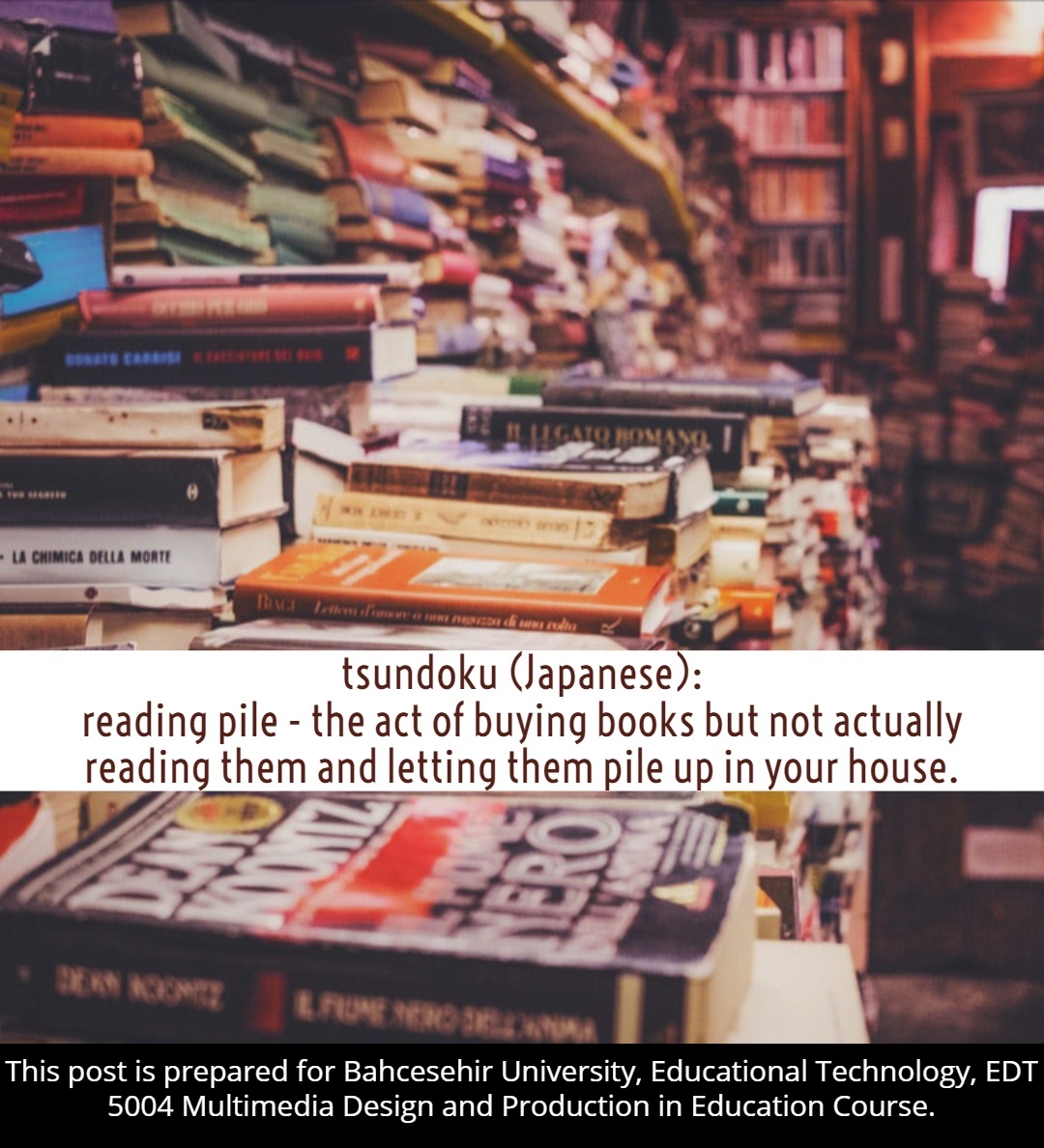
Tsundoku is a Japanese word which means to buy books that you cannot read at all and pile them up. I think it is the disease of this age. However, to be a good reader, I think it is best to be surrounded by books. To want to be a good reader is not enough, you also have to buy the time in order to read the book that you bought.
Moreover, to pile up the books that you get from a bookshop or an online shopping website is a problem that every good reader will face someday. This situation creates a feeling of guilt, but the books we pile and don’t read have an effect on us as much as the books we read. The unread books remind us that we still do not know everything and thus they keep us away from egoism. If we do not keep our library expanding, our enthusiasm to read books and personal evolution will stop eventually. The unread books keep us wonder continuously.
Do not hesitate to fill your personal library with unread books. They will expand your curiosity and imagination. A library filled with books that you read will lose its power, but a library with books that you haven’t read yet will be a remarkable one. So, do not afraid to pile up some books. 🙂
Powtoon
Hello friends, in this post I want to introduce Powtoon. Using animation videos helps you to attract attention easily, especially in this era. Powtoon is a great, easy-to-use, free animation software (there is a Pro version too). You can create unique animations with the tools the site provides you or you can edit a ready-to-use animation. There are hundreds of different backgrounds, props, shapes, images, videos, and effect that you can use in your animation video, you can also add sound, music or even your own voice.
I highly recommend you to go Powtoon, and start creating amazing animation videos for your classroom.
Here is mine which I prepared it for my 7th graders to teach Present Perfect Continuous and for the educational video assignment of Multimedia class in BAU.
Enjoy 🙂
Multimedia – May The Tenses Be With You!
Edpuzzle
Hello again, today I want to share my experiences with Edpuzzle. Last week I taught Second Conditional to my 7th graders and started to search for a way to make my students revise it. Last Thursday, in our Multimedia Design class (Master), my friends introduced a great web 2.0 tool that I can use in my own classroom in order to boost 2nd conditional. Here is the new tool that our students can enjoy and learn while using it at the same time: Edpuzzle.
Edpuzzle is a massive video platform which helps teachers to create amazing video lessons. It also ensures students learn with a high rate of participation. Teachers can pick a video from KhanAcademy, Youtube, National Geographic, TedTalks, Veritasium, and other video provider sites and edit it according to the related course for free. You can also add and edit your own videos.
Edpuzzle is the easiest way to make any kind of video interactive.
Here is the video I have just edited: Edpuzzle – Second Conditional
Enjoy 🙂
 Educational Technology